- 25 Nov, 2026
Are Your Ads Still Running After a Sale Ends?
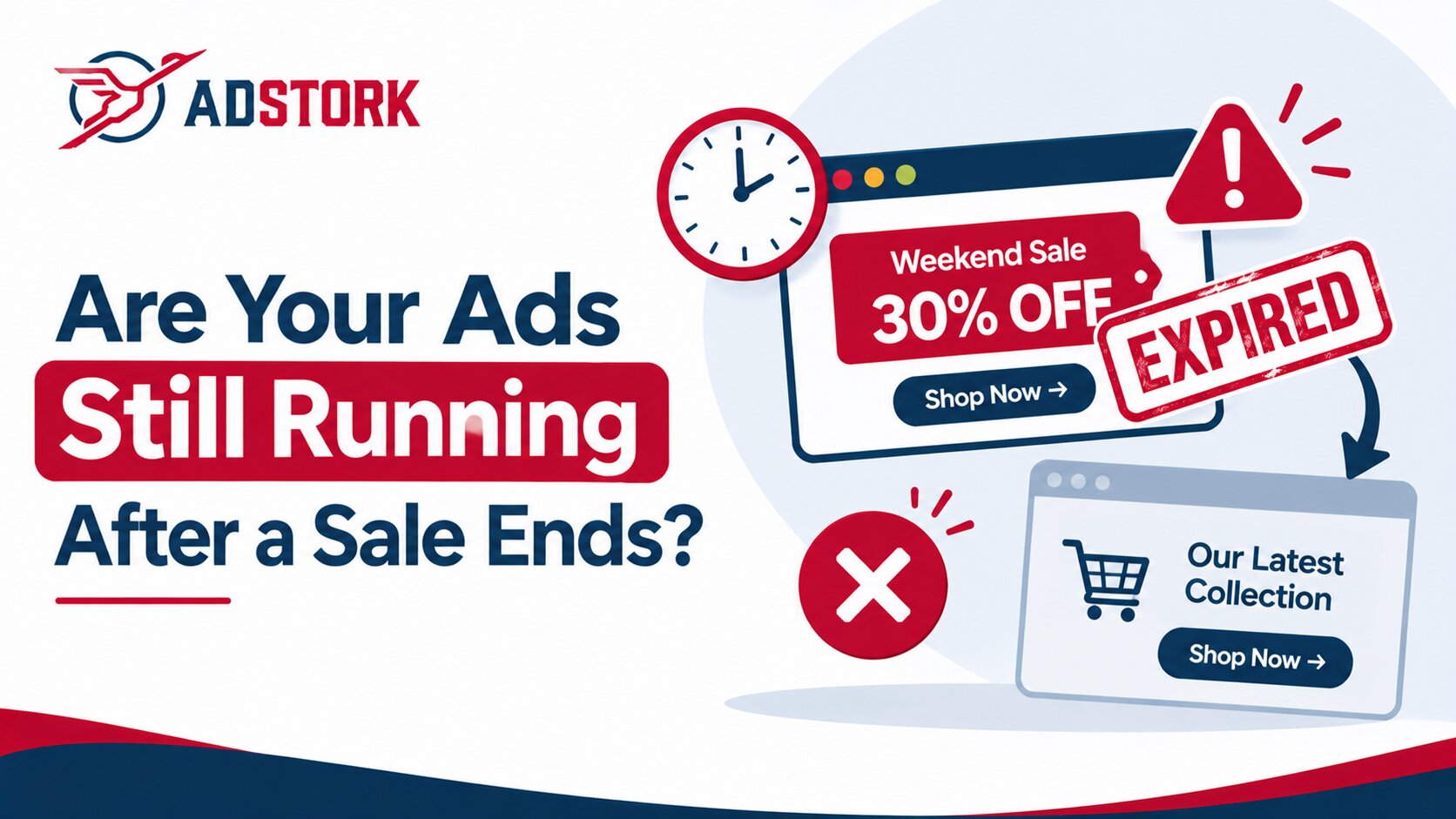
Your weekend sale has ended. The discount is no longer available. But your advertisement is still showing the old offer.
This is a small mistake that can create a frustrating experience for customers and waste your advertising budget. Someone clicks your ad expecting a discount, visits your website, and discovers that the offer has already expired.
It happens to online stores, service businesses and brands running limited-time promotions. The good news is that it is easy to prevent with a simple advertising routine.
In Short
When a promotion ends, your ads should be updated or stopped too. Check the offer date, pause outdated advertisements, update your website and make sure customers see the correct price and deal before spending more money on traffic.
Written by: The Adstork Ad Network advertiser team
A quick example
Imagine your online store advertises 30% off shoes until November 20. On November 21, the discount ends, but your advertisement is still running. A customer clicks it and finds the regular price. They may leave disappointed, and you have paid for a visit that started with an offer you can no longer provide.
Why Do Expired Offers Become an Advertising Problem?
Many advertisers focus on creating attractive ads, choosing audiences and setting budgets. But they sometimes forget what happens after a promotion ends.
An advertisement does not automatically become accurate just because the offer on your website has changed. If the old ad is still being delivered, customers may continue seeing outdated information.
Here are three problems this can create:
1. Wasted spending
You continue paying to promote an offer that customers can no longer claim.
2. Disappointed customers
People click because they expect a deal, but the website shows something different.
3. Less trust
Customers may question whether your business provides accurate information.
The problem is not always the advertisement itself. Sometimes the offer has changed, but nobody updated the campaign.
Which Advertisements Should You Check?
Not every advertisement has an expiry date. However, some types of promotions need extra attention because their details can change quickly.
Discount and sale advertisements
These ads promote offers such as 20% off, seasonal sales or special prices. Once the discount ends, the advertisement should no longer promise that price.
Free delivery and special deals
A business might offer free delivery for a weekend or a free gift with selected purchases. If the offer is no longer available, update the advertisement and the website.
Event and registration advertisements
Some businesses advertise webinars, workshops, product launches or event registrations. Once registration closes or the event passes, the old advertisement may no longer be useful.
Product launch advertisements
A new product may be available for a limited period or at an introductory price. When the launch offer ends, the advertisement should reflect the current offer.
A simple rule
If your advertisement mentions a price, discount, date, deadline or special benefit, make sure that information is still correct before the ad continues running.
What Should You Do When a Promotion Ends?
You do not need a complicated system to manage expired offers. A simple process can help you keep your advertisements accurate.
Write down the offer's end date
When creating an advertisement, record when the promotion starts and when it ends. Do not rely on memory.
Check your running advertisements
Before the offer ends, review the campaigns that mention it. Check which ads are still active and where they are sending visitors.
Pause or update the old ads
If the promotion has ended, pause the advertisement or replace its message with an offer that is currently available.
Update the website too
Remove old banners, discount messages and promotional details from the landing page. Your website should match what the new advertisement promises.
Check the new advertisement
After making changes, check the ad and landing page again. Make sure the price, offer and destination are correct.
A Simple Example: Before and After a Sale
Let's say a clothing store runs a three-day sale. Here is how its advertising should change when the offer ends.
The business has two choices: stop the old advertisement or replace it with a new message. The important thing is not to keep promising a discount that no longer exists.
Your Quick Promotion Check
Before launching a new promotion, use this short checklist. It can also help when reviewing existing advertisements.
Promotion checklist
- Have I written down the promotion's end date?
- Does the advertisement show the correct price or discount?
- Does the landing page show the same offer?
- Have I checked all advertisements promoting this deal?
- Have I planned what happens when the offer ends?
- Have I checked that the old promotion is no longer being advertised?
Where Does Adstork Fit In?
Managing an advertising campaign involves more than choosing an audience and setting a budget. Advertisers also need to keep their offers, advertisements and campaign details up to date.
With Adstork, advertisers can access an advertising platform to submit ads, configure their campaigns and reach audiences through different advertising formats.
If you are exploring another way to promote your business, visit Adstork to learn more about its advertising solutions.
What Should You Keep in Mind?
Pausing an expired promotion does not guarantee that every customer will have a perfect experience. Some people may have already seen an older advertisement, saved it or shared it with someone else.
Also, changing an advertisement does not always update every place where the offer appears. Check your website, social media posts, email promotions and other active advertising channels separately.
The goal is simple: make sure the offer customers see is still available when they decide to act.
Quick Recap
An expired offer should not remain in an active advertisement.
- Keep track of promotion dates.
- Pause or update ads when offers end.
- Make sure your website shows the correct deal.
- Review your active advertisements regularly.
A little checking can help prevent unnecessary spending and avoid confusing potential customers.
Final Word
A good advertisement should tell customers what they can actually get. When a promotion ends, your advertising should reflect that change.
Before spending more on your next campaign, take a moment to check whether your current offers are still valid. It is a simple habit that can make your advertising clearer and more trustworthy.
Looking for ways to reach more potential customers? Explore Adstork and discover its advertising solutions.
Frequently Asked Questions
1. What happens if I keep running an ad after its offer ends?
Customers may click expecting the old offer and find that it is no longer available. This can waste advertising spend and create a poor customer experience.
2. Should I pause an advertisement when a sale ends?
If the ad promotes an offer that is no longer available, pause it or update it with a current offer before continuing to run it.
3. Do I need to update my website as well?
Yes. Remove outdated discounts, banners and promotional messages so visitors see accurate information after clicking your advertisement.
4. How often should I check my active advertisements?
Check them regularly, especially before and after a promotion ends. For short sales, review them around the offer's end date.
5. Can I use the same advertisement for a new promotion?
You can reuse its design or general message, but update the discount, dates, terms and landing page to match the new promotion.
Leave a Comment